Your video card (also known as a GPU) plays an especially vital role in your Adobe video application. Keeping your GPU drivers up to date helps ensure your application runs stably, with the best performance possible.
To ensure your drivers are up-to-date, Intel provides a tool called the Intel® Driver & Support Assistant (IDSA). The tool monitors your system and will notify you when new drivers are available. From there, you can open the tool to download and install the updates.
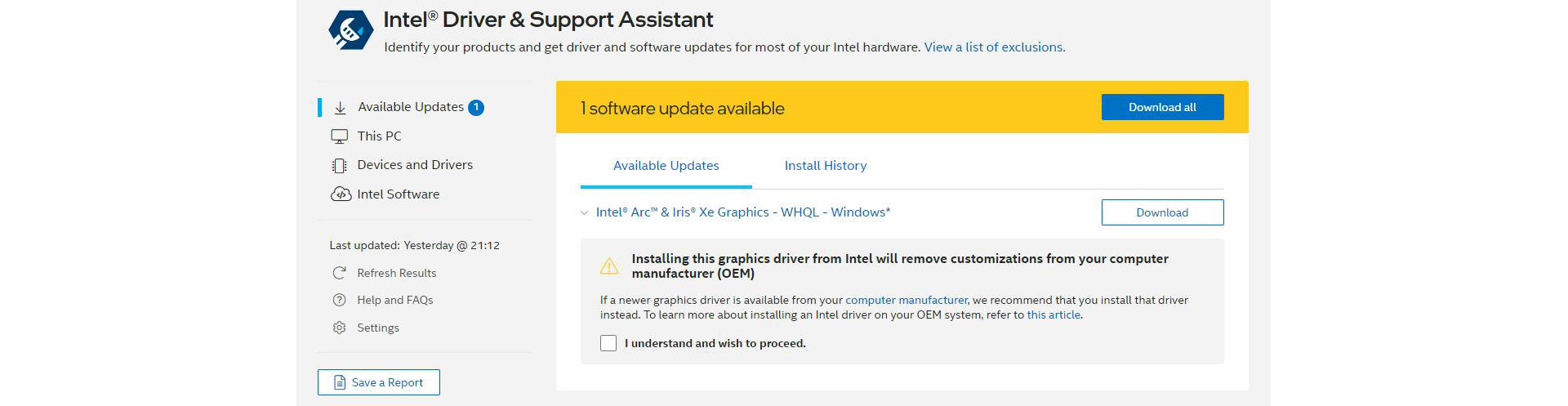
The Intel® Driver & Support Assistant will monitor and update more than just your GPU drivers. You may regularly view updates to Wifi, Bluetooth, and Chipset drivers, as well. The tool allows you to select which drivers you wish to download and install.
Windows Update may downgrade your drivers even after running the IDSA tool. This is because your system uses a special driver qualified by your system’s manufacturer registered with Microsoft. You can refer to this Intel support article for possible workarounds.
You can follow along with this tutorial video for further assistance.
